A few words, caught in time
No title. No tags. No decisions. A thought survives because
catching it takes seconds. Start a line with - and
it becomes a todo on its own.
 Folium
Try free
Folium
Try free
Folium is a personal knowledge app for thinking on digital paper.
Your notes stay as Markdown files on your device.
Available for macOS · Windows · Linux
Mobile companions are in development.
Public preview · 14 days free · No key required.
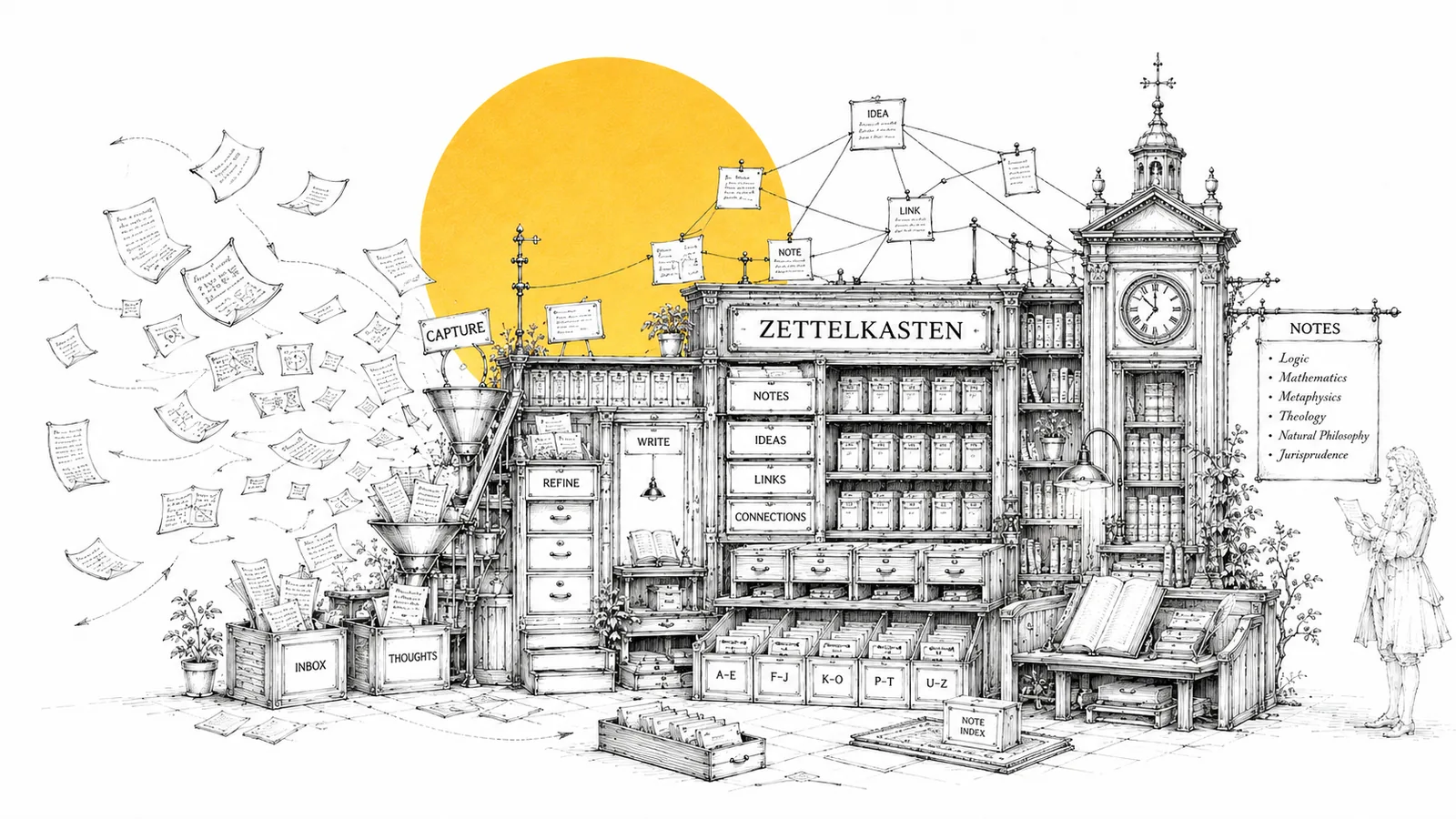
Capture first. Decide what to do with it when you have room to think.
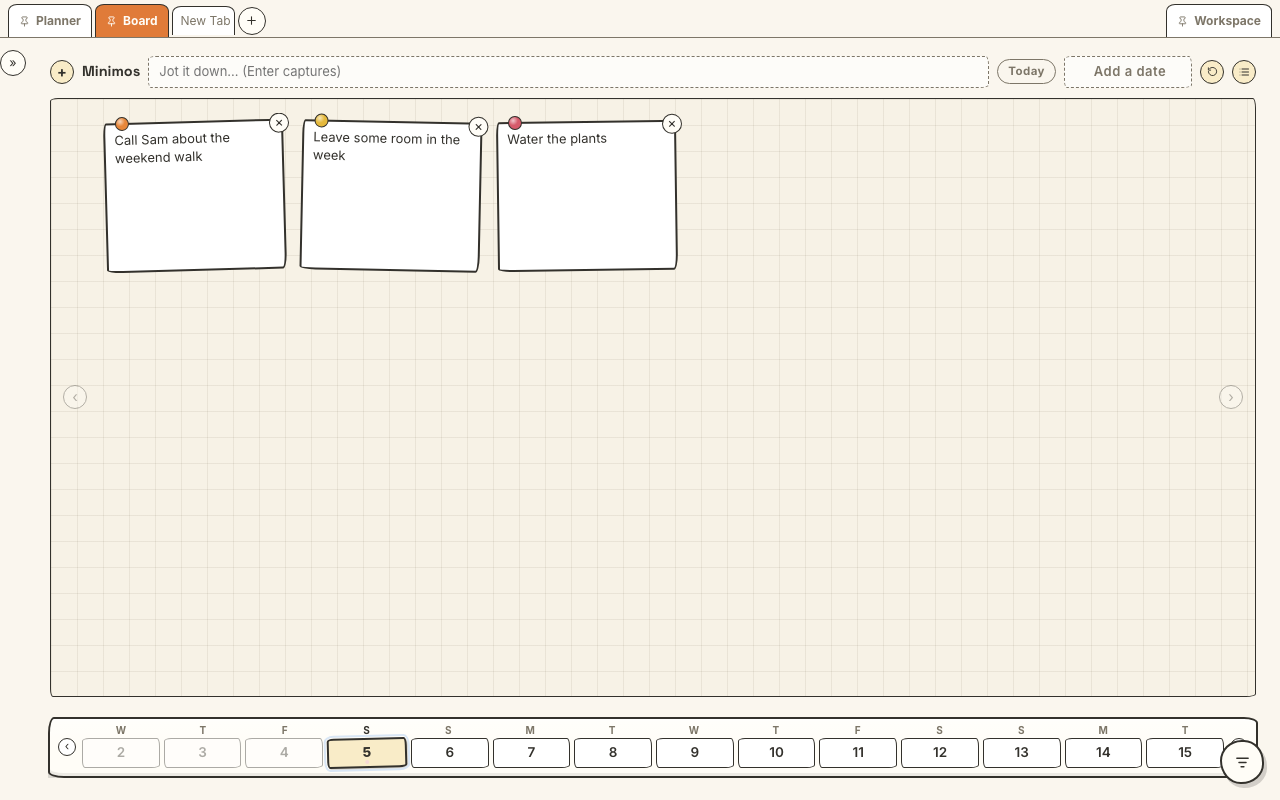
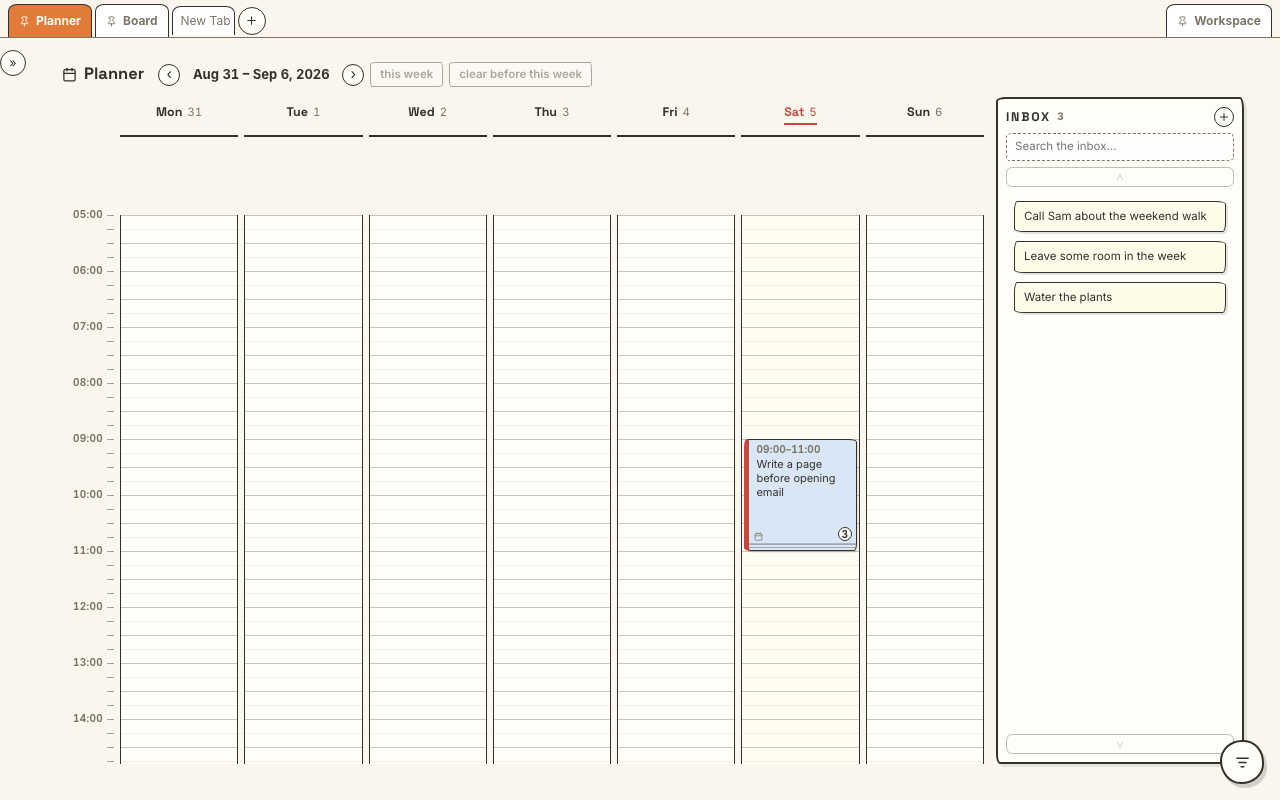
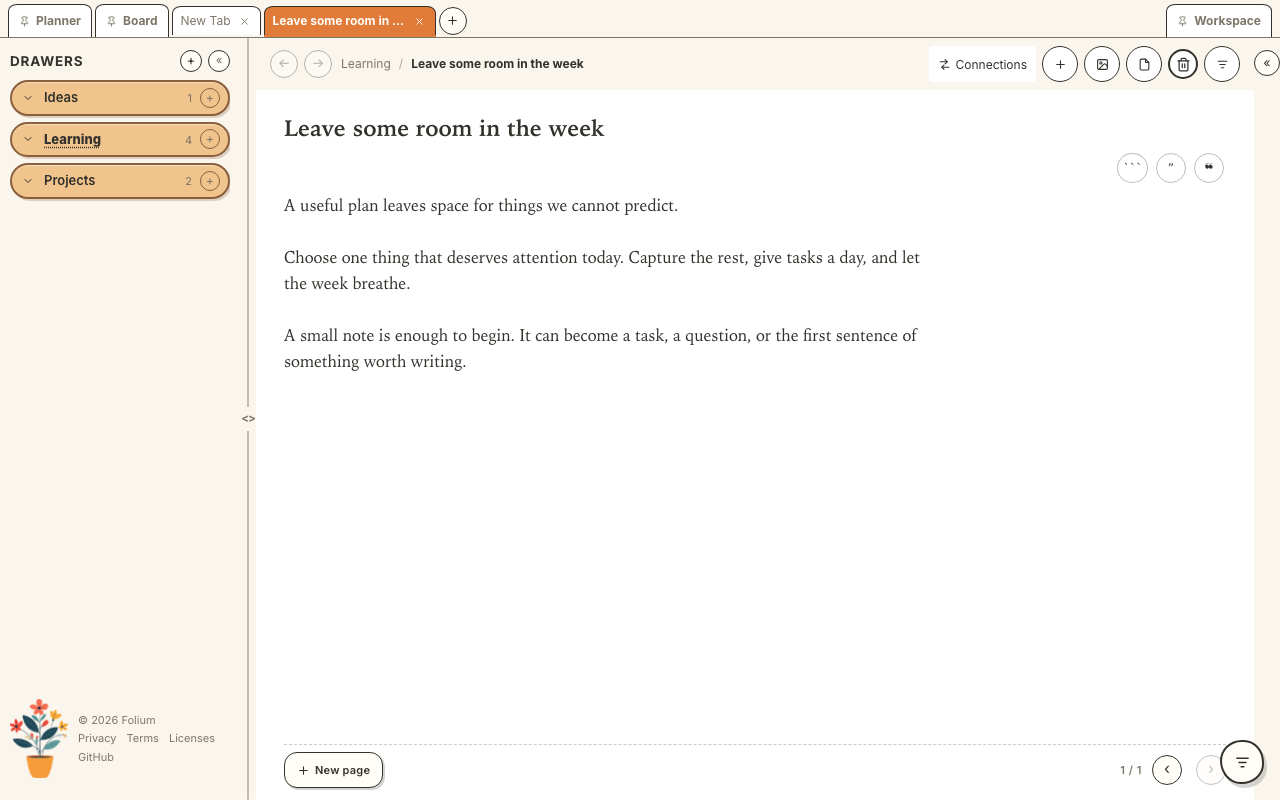
Actual app screens with example notes. Select an image to view it full size. Planning and writing are two paths: each thought takes the one it needs.
A scrap to catch, a card to understand, a flashcard to remember, a sheet to think.
No title. No tags. No decisions. A thought survives because
catching it takes seconds. Start a line with - and
it becomes a todo on its own.
A calm editor with live preview and Zen Mode. A 700-character limit keeps each thought focused. Paste long text, code or a link to capture it in Resources; continue your writing on a linked page.
120 characters a side. Always attached to the Quarto it came from. Review shuffles a deck and lets you flip through. No algorithms. No streaks. No guilt.
Some thinking isn’t prose. A Folio is a big Excalidraw sheet. It embeds, editable, inside any card. It also holds cards as blocks on the canvas.
Choose your language in Settings. The interface and editors work in all nine languages, including right-to-left Arabic. English is the default.
Language packs work offline. Your notes keep the language you write them in.
Your work stays yours. Here is what that means in practice.
Notes are Markdown, plans are JSON, and sketches are Excalidraw files in a folder you own. You can back up and export your work.
No usage analytics or crash reporting. Network access covers updates, license verification, optional sync and resources you choose to open. See our privacy policy.
Keep notes locally or choose a folder managed by your file-sync service. Built-in cloud sign-in is being prepared for launch. Export ZIP backups before moving notes.
Trial over? Your notes still open, read, search and export. A card box doesn’t repossess its cards.
A card box is a simple idea with serious staying power. Here is how Folium stacks up against the tools you already know.
| What matters | Folium | Obsidian | Notion |
|---|---|---|---|
| Price | Free preview; planned price $34.90 once | Free app; optional paid Sync | Free individual plan; paid plans available |
| Starting point | Capture, plan and connect in one workflow | Linked Markdown notes; extend with plugins | Pages, databases and templates |
| Storage | Local files you own | Local Markdown files | Cloud workspace with export |
| Offline | Local notes work offline during the preview | Local notes work offline | Pages can be downloaded for offline use |
| Sync | Local folders; cloud sign-in coming later | Paid Sync or your own setup | Included cloud sync |
| Phone | Companion in development: capture, plan and read | Mobile note editing | Mobile page editing |
Checked September 2026. Obsidian plans · Notion plans · Notion offline
Keep a writing idea, make sense of something you read, or give a task a place in your week. Folium gives you a starting point without a system to build first.
Long documents and team databases can stay in the tools you already use. Folium is your personal place to catch, connect and return to ideas.
The public preview is ready to explore. Purchases are not open yet.
Free 14-day preview
Planned launch price: $34.90 once, for up to 4 devices. No payment or license key is needed to try the preview.
You pay once for the purchased version, including its updates. Future major versions may be sold separately. There is no recurring Folium subscription, and your files remain yours.
In a folder on your device. Notes are Markdown files, plans are JSON and drawings are Excalidraw files. If you choose a folder managed by a file-sync service, that service also holds a copy. Folium has no server holding your notes.
Keep your notes in a local folder, or choose a folder managed by your existing file-sync service. Built-in Google Drive and GitHub sign-in are being prepared for launch. Use ZIP backups before moving notes and avoid editing the same note on two devices at once.
iOS and Android companions are in development and are not yet available to download here. The intended phone experience is Minimo capture and editing, Planner placement, and read-only cards and search. The full desk belongs on desktops and tablets. Check the download page for current availability.
No. The 14-day preview starts on your first launch and works offline. Purchases and license activation are not open yet. Reading, searching and exporting your notes remain available after the preview ends.
Start with a backup. Our getting-started guide explains moving existing notes into Folium and finding deleted or conflicting copies. There is no automatic Notion or Obsidian importer.
Writing pauses when the 14-day preview ends but nothing is taken away: reading, searching and exporting your notes keeps working forever. Purchases are not open yet. This preview has no payment or subscription to cancel.